
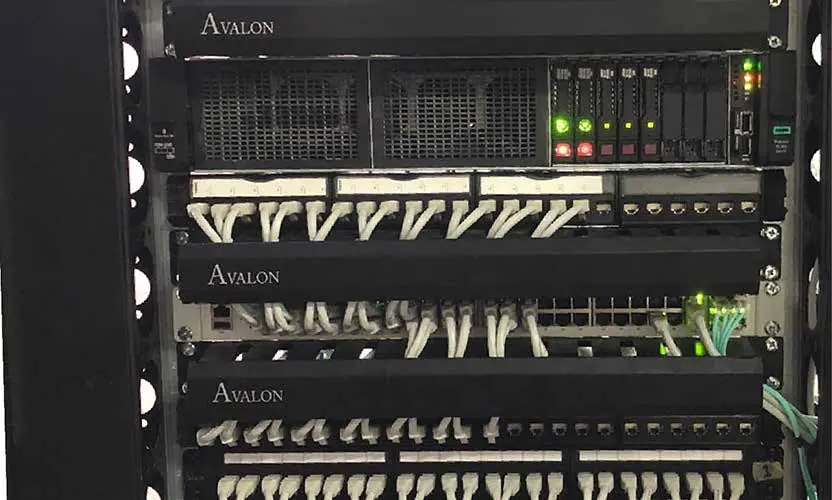
Almost every system in a modern building depends on cable: computers, phones, Wi-Fi access points, cameras, intercoms and access control. When cabling is rushed, you get loose connections, unlabelled patch panels and problems that are hard to trace. Structured cabling follows a clear plan, so every cable runs from a known point to a known point and can be tested, traced and changed easily.
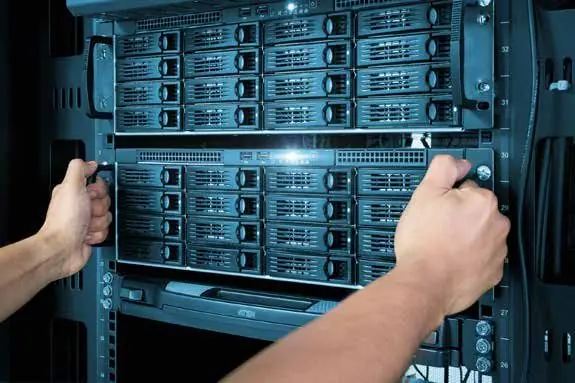
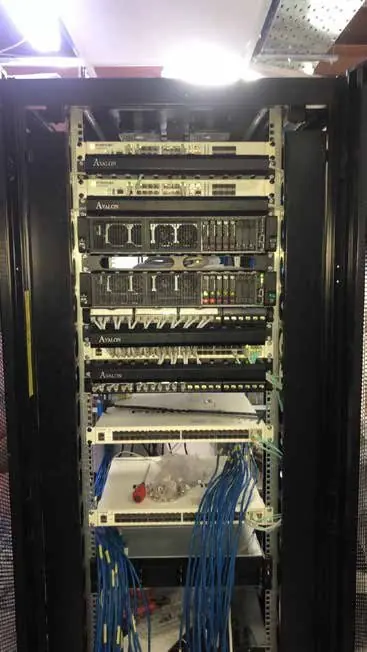
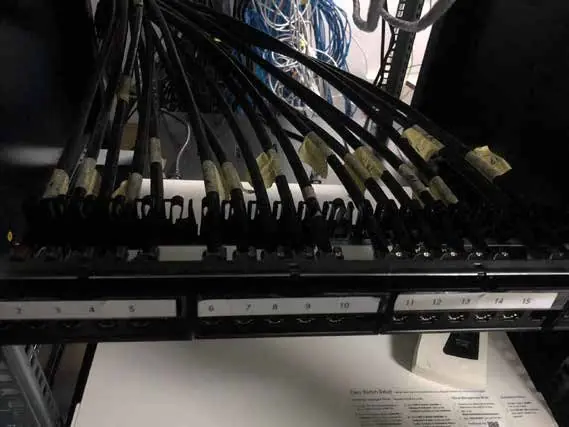
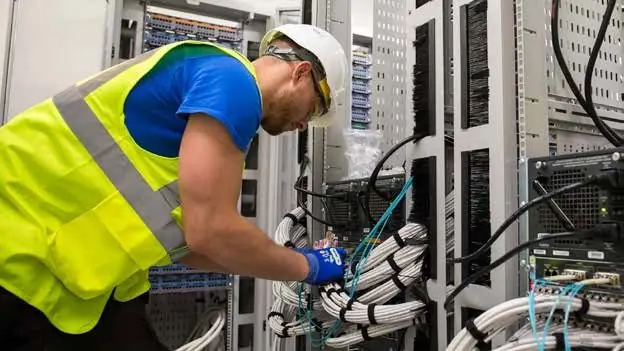
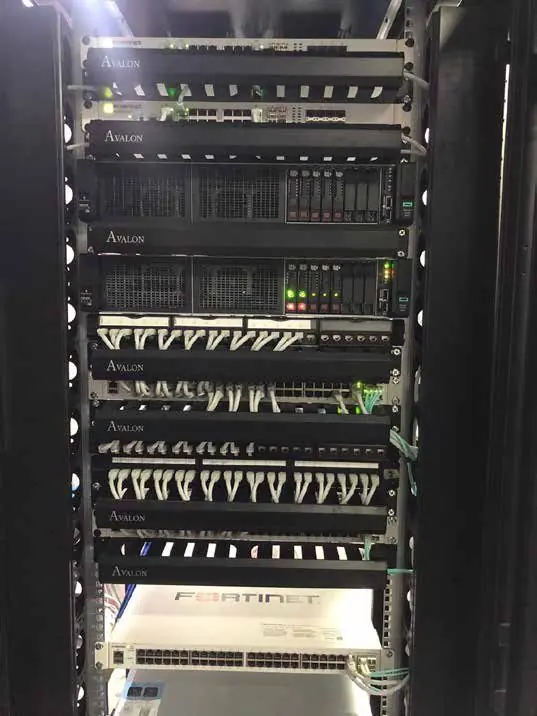
We design the cabling layout, run copper and fibre through ceilings, trunking and floor boxes, and terminate everything on patch panels in a tidy rack. Each cable is labelled at both ends and tested before handover. For server rooms we plan racks, power, UPS, cooling and cable management, so your equipment has the space and conditions it needs to run reliably.
What is included
- 01Cabling design and point layout
- 02Cat6, Cat6A and fibre installation
- 03Patch panels, racks and cable management
- 04Labelling at both ends of every cable
- 05Testing and handover documentation
- 06Server room power, UPS and cooling planning
How we plan structured cabling
We start with your floor plan and a list of what needs a connection: desks, printers, access points, cameras, screens and phones. We add spare points for future changes, since adding cable later costs more than planning it now. Then we decide where the main rack and any floor racks should go, and how cables will travel between them.
- We keep data cables apart from power cables to avoid interference.
- We respect bend limits and cable lengths so performance stays within standard.
- We label every outlet, patch port and cable with the same clear scheme.
At handover you receive a record of every point, its label and its test result, along with a marked-up floor plan. When you add a desk, move a camera or call another contractor, anyone can find the right cable in minutes instead of tracing wires through the ceiling. This is the real value of structured cabling over the long term.
Cat6, Cat6A and fibre, explained simply
- Cat6: a solid choice for most offices and homes. It supports gigabit speeds to 100 metres and 10 gigabit over shorter runs.
- Cat6A: supports 10 gigabit over the full 100 metres and handles higher-power PoE devices well. It is thicker and needs more space in trunking.
- Fibre: used for links between racks, floors or buildings, and for distances beyond copper limits. It is not affected by electrical interference.
- Testing: each link is tested after installation, so you know it performs as designed.
Our guide on choosing between Cat6, Cat6A and fibre goes into more detail.
Why server rooms need extra care in the UAE
Network equipment produces heat, and in the UAE many server rooms are small cupboards next to warm walls or ceilings. Without proper cooling, equipment slows down, fails early or shuts down. We plan ventilation or dedicated air conditioning, add temperature monitoring where needed, and keep the room sealed against dust.
Power cuts are rare but short outages still happen during works, so a UPS protects your core equipment. Good cabling makes everything else easier, including the network and Wi-Fi that runs on top of it.
Ideal for
- New offices and fit-out projects
- Office moves and expansions
- Warehouses and factories
- Schools and clinics
- Hotels and residential buildings
From our projects

Brands we work with
Questions about this service
What is structured cabling and why does my office need it?
Structured cabling is an organised network cabling system that connects desks, access points, cameras and phones back to a central rack through labelled cables, patch panels and organised routes. It makes the network reliable, easy to troubleshoot and simple to expand or move without rewiring. maxclick installs concealed, labelled structured cabling for offices, warehouses and villas, and documents every point at handover.
Should I use Cat6 or Cat6A cabling?
Cat6 is suitable for most homes and offices running gigabit networks. Cat6A supports 10 Gbps across the full 100 metre Ethernet channel and has better shielding against interference, so it suits new buildings, server rooms, Wi-Fi 6 access points and future upgrades. Cat6A cable is thicker and needs more space in trays and conduits. maxclick recommends the right category based on your use and building.
What does a small server room need?
A small server room needs a properly sized rack, organised patch panels and cable management, dedicated cooling that runs continuously, a UPS for backup power, clean power distribution, and restricted access with a lock or access control. Environmental monitoring for temperature and water leaks helps you react before damage occurs. Labelling and documentation make support faster. maxclick designs and builds server rooms and network racks for businesses.